

Free B2B Video Script Generator
Tell us what you sell and who buys it. Get a scene-by-scene script for an explainer, product demo or sales video that your buyers, your sales team and your leadership will all understand.
One quick check before we write: tick the box below.
Your script is on its way
See a full script, scene by scene
Three 60-second scripts for products buyers find hard to picture: warehouse automation, a SaaS platform and an enterprise service. Each one opens on the buyer's problem, proves the result, and ends on a next step like booking a walkthrough. The companies are made up to show the format.
Northwind makes an inspection drone that scans every pallet location in a warehouse overnight. It flags mismatches by morning, so teams stop doing manual counts.
Why this format: The product is a physical system moving through a building, so 3D shows the mechanism no camera can.
- Voiceover
- Every night, a warehouse goes quiet. The shelves are full, the lights are low, and nobody can say exactly what is on them.
- Visual
- Slow push-in on a dark aisle. Pallet labels flicker into focus one by one.
- On screen
- Quiet. Not counted.
- Notes
- Low hum, no music yet.
- Voiceover
- Counting it by hand takes people, ladders and a lost weekend, every single month.
- Visual
- Quick cut: staff with clipboards under hard light, a ladder, a stack of printed sheets.
- On screen
- Manual counts, every month
- Notes
- Hard cuts. Keep the palette cold and flat.
- Voiceover
- Northwind scans every pallet location in your warehouse, row after row. No missed aisles. No forgotten corners. Just a silent sweep, all night.
- Visual
- Overhead fly-through, the drone gliding between racks. The camera follows as it inspects each pallet location, scanning labels. Light pools across barcodes and shelf tags.
- On screen
- Every pallet scanned, overnight
- Notes
- Show rack numbers. Barcode scanning beams. Light passes in a smooth rhythm.
- Voiceover
- By morning, your team has a map of every location. Mismatches are flagged. Nothing waits for a manual count, and nobody climbs a ladder.
- Visual
- Cut to a dashboard. Red markers resolve to green as the sun comes up through the dock doors.
- On screen
- Mismatches flagged by morning
- Notes
- Music enters here. Warm the palette.
- Voiceover
- Northwind reads the labels you already have. There is nothing to re-tag and nothing to rebuild. Set it up once and it works through the night, so your team starts every day with answers.
- Visual
- The drone docks itself on a charger. A supervisor opens a tablet to the morning report.
- On screen
- Nothing to re-tag
- Notes
- Confirm the label formats supported before this scene is locked.
- Voiceover
- Northwind. Know what is on every shelf, every morning. Book a walkthrough.
- Visual
- Wide shot of the aisle at sunrise. The logo resolves over the racks.
- On screen
- Know your shelves by morning
- Notes
- Hold the end card for two seconds.
Claims to check before the video goes out
- What scan accuracy rate can you publish?
- Which label and barcode formats does the drone read?
- Is the overnight claim true for every warehouse size?
Scene 1 of 6
Our platform reconciles supplier invoices against purchase orders automatically. Finance teams at mid-market manufacturers cut month-end close from nine days to three, and it connects to SAP without a data migration.
Why this format: The product is software with no physical form, so clean motion graphics can show data matching itself without a camera.
- Voiceover
- Month-end close. Nine days of chasing invoices, matching purchase orders and explaining the gaps to the people waiting on the numbers.
- Visual
- Calendar pages flip. Invoice cards pile up on a clean grid.
- On screen
- Nine days to close
- Notes
- Light ticking sound under the flips.
- Voiceover
- Every mismatch means an email, a spreadsheet and a wait. Finance teams spend the close fixing data instead of reading it, and the real analysis waits.
- Visual
- Lines join invoice cards to purchase order cards. Most hold. A few snap and turn red.
- On screen
- Every mismatch costs time
- Notes
- Keep the red to a few cards only.
- Voiceover
- Our platform reconciles supplier invoices against purchase orders automatically. It matches what it can and shows you only what needs a person.
- Visual
- Cards slide into matched pairs with a soft pulse. A short exceptions list is all that remains.
- On screen
- Matched automatically
- Notes
- Let the pairing animation breathe. This is the hero moment.
- Voiceover
- Finance teams at mid-market manufacturers cut month-end close from nine days to three. That is six days back every month, for work that actually moves the business.
- Visual
- The calendar compresses from nine blocks to three. The saved six fade to a light tone.
- On screen
- Nine days to three
- Notes
- Hold on the number for a beat before the next scene.
- Voiceover
- It connects to SAP without a data migration. Your ledger stays where it is, setup never stops the close, and your team keeps working the way it does today.
- Visual
- A connector slides into an ERP module diagram. Nothing moves between the two sides.
- On screen
- Connects to SAP. No migration.
- Notes
- Use a generic ERP icon unless the SAP logo is approved.
- Voiceover
- Close faster. Start with your next month-end.
- Visual
- The three-day calendar resolves into the product name and a single line.
- On screen
- Close in three days
- Notes
- End card, two seconds.
Claims to check before the video goes out
- Is nine days to three an average or one named customer?
- Which SAP versions are supported?
- Can the SAP name and logo be used on screen?
Scene 1 of 6
Halden moves enterprise IT teams off legacy data centres with a managed cloud migration service. A dedicated team assesses every application, migrates it in planned phases with no unplanned downtime, and cuts hosting costs by around 30%. Built for CIOs at banks, insurers and large manufacturers.
Why this format: The product is a service that unfolds over months, so a 2D explainer can draw the whole migration as one simple journey.
- Voiceover
- Your data centre lease ends next year. Four hundred applications run inside it, and nobody wants to touch them.
- Visual
- Flat illustration of a server room. A wall calendar with one date circled in red. Racks hum behind tangled cables.
- On screen
- Lease ends. Apps stay.
- Notes
- Low server hum. No music yet.
- Voiceover
- Move them all at once and the risk lands on your busiest weekend. Leave them, and you keep paying for hardware nobody wants.
- Visual
- Split frame. Left: one giant box labelled 'Everything' teeters on a narrow bridge. Right: a hosting invoice keeps growing.
- On screen
- Big bang or big bills
- Notes
- Keep both sides equally uncomfortable.
- Voiceover
- Halden starts with an assessment. A dedicated team maps every application, what it depends on, and when it can move, before a single server is switched off.
- Visual
- Application icons lift off the racks and sort themselves into labelled waves on a planning board.
- On screen
- Every app mapped first
- Notes
- This is the hero moment. Let the sorting breathe.
- Voiceover
- Then it moves in planned phases, one wave at a time, with no unplanned downtime. Your teams keep working, and your customers never notice the switch.
- Visual
- Waves of icons glide across a bridge into a cloud. Below, an office keeps working and a status light stays green.
- On screen
- Phased. No unplanned downtime.
- Notes
- Confirm the downtime commitment before this line is locked.
- Voiceover
- When the last wave lands, hosting costs drop by around thirty percent, and the old data centre is finally empty. Nothing left to renew.
- Visual
- The server room lights switch off row by row. A cost chart steps down. The circled calendar date is crossed out.
- On screen
- Hosting costs down about 30%
- Notes
- Music lifts as the lights go out.
- Voiceover
- Halden. Move to the cloud without stopping the business. Plan your migration.
- Visual
- Wide shot of the cloud with every application in place. The logo resolves above it.
- On screen
- Plan your migration
- Notes
- Hold the end card for two seconds.
Claims to check before the video goes out
- Is the 30% saving an average across clients, or one project?
- What does 'no unplanned downtime' cover, and is it in the contract?
- Which clouds do you migrate to: AWS, Azure or Google Cloud?
Scene 1 of 6
One script for every stage of the sale
B2B deals involve several people and several conversations. Pick a goal in the form, such as booking more demos, and the script is written for that moment.
Website explainer
Show first-time visitors what you do and who it is for in 60 seconds, before they leave the homepage.
Product demo
Walk technical evaluators through the workflow, screen by screen, before they ask for a live demo.
Sales enablement
A short video reps send before the first call, so every prospect hears the same clear story.
Buying committees
One video the champion can forward to finance, IT and leadership, so nobody needs the pitch repeated.
LinkedIn and paid social
Captions carry the message, because most feeds play on mute.
Trade shows and events
A loop that explains the product from across the booth, with no one there to narrate it.
What is in every script
Written the way B2B buyers decide: the problem first, proof in the middle, a clear next step at the end. Your team can review it, and any studio can produce from it.
Timed scenes
Each scene has a start and end time, so you can see how long every message gets.
Voiceover
Written to be spoken at 140 words a minute, the pace a professional voice artist reads at.
Visual direction
What the viewer sees during each line, so the animator knows exactly what to make.
On-screen text
Short captions of seven words or fewer, so the message still lands with the sound off.
Production notes
Transitions, sound and music cues, so the studio does not have to guess.
Claims to check
Every number and claim to confirm before the video reaches buyers, so it gets through legal and procurement without surprises.
B2B video case studies
What we made, and what each video had to explain.
15 projects in fintech, AI, SaaS, robotics and warehouse automation, with the brief and how we approached it.
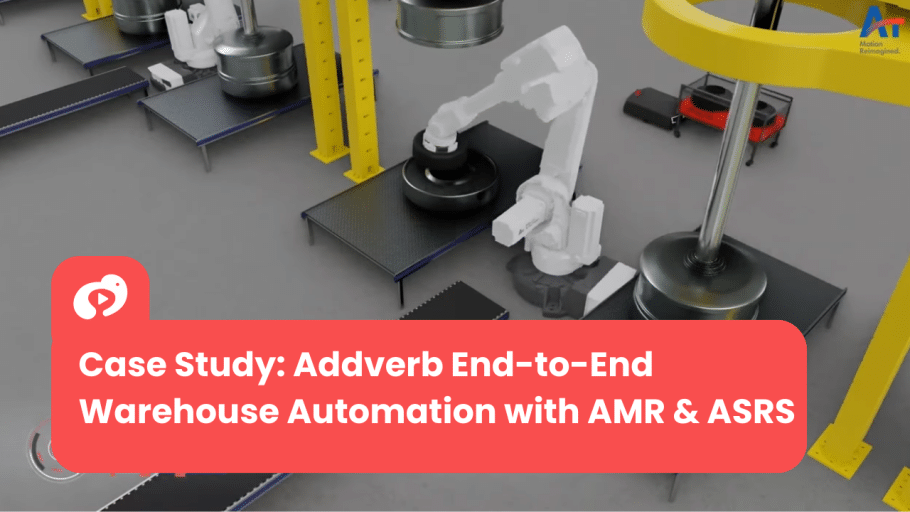
Addverb
End-to-end warehouse automation, mapped in 3D.
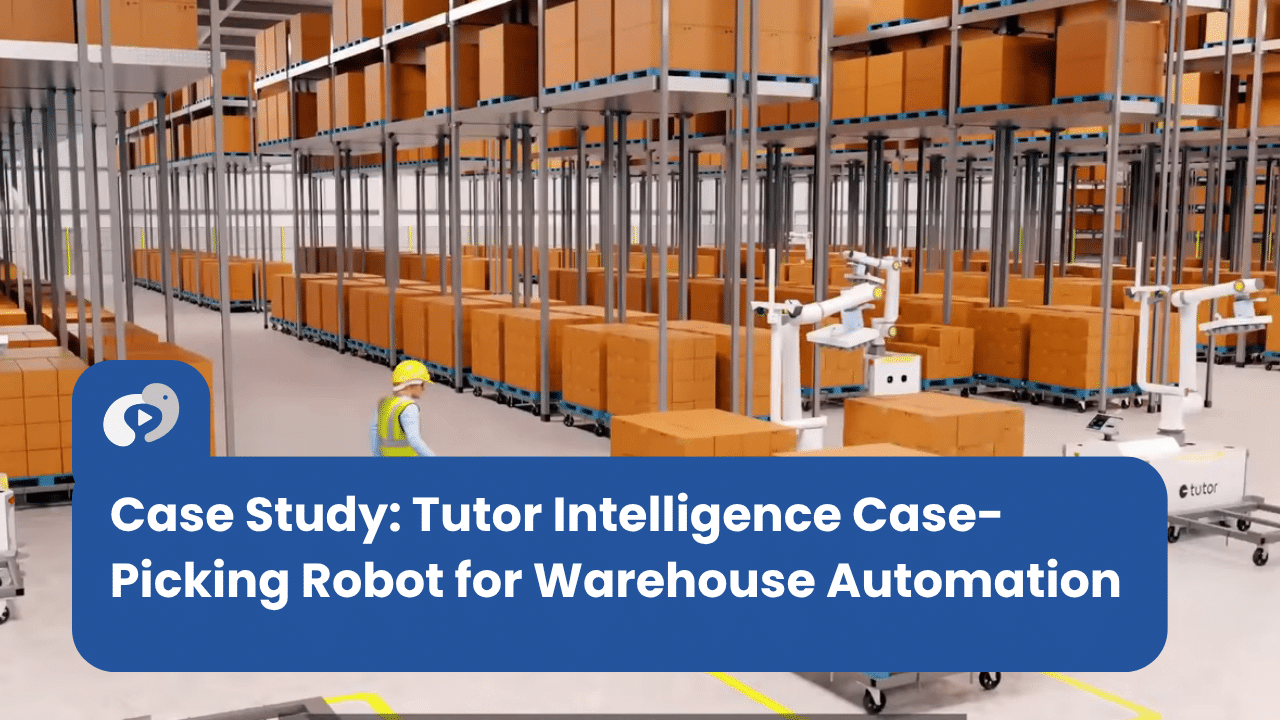
Tutor Intelligence
Autonomous case picking and pallet building, shown in high-end 3D.
Tesorio
AI payment prediction and collections, made easy to follow.
Fortanix
Multi-cloud data security, decoded in a hybrid animation.
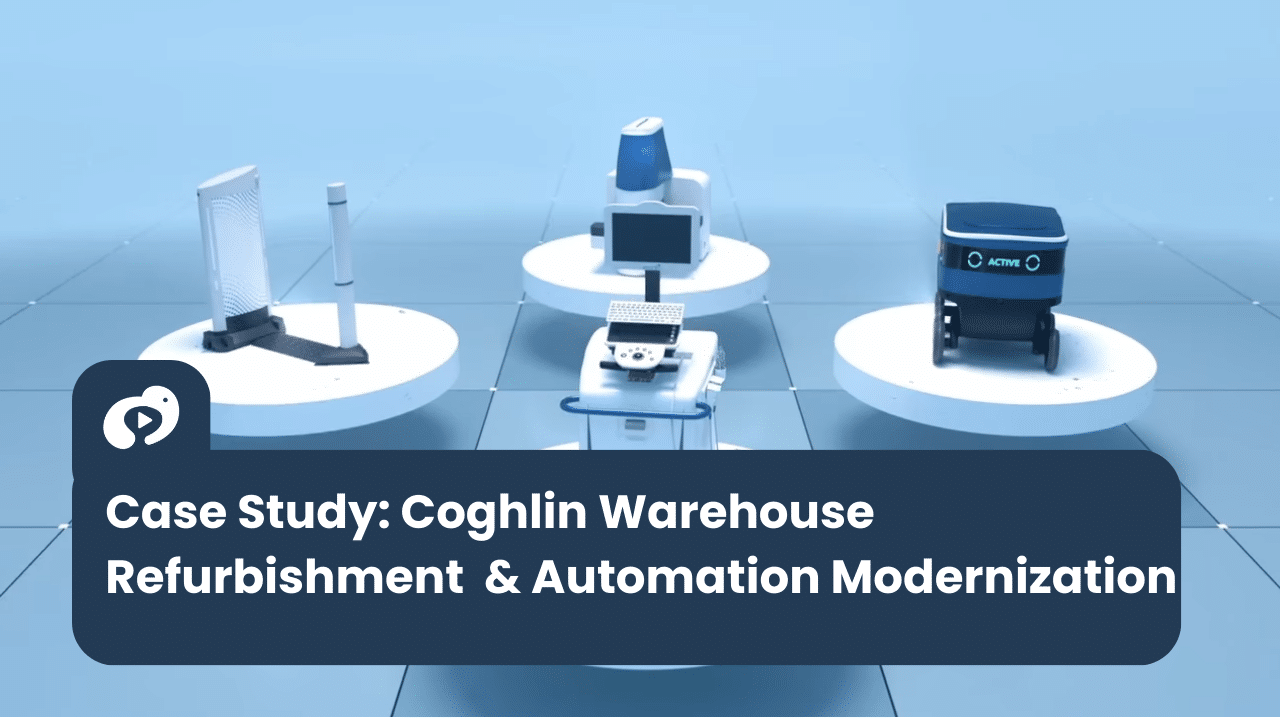
Coghlin
Product refurbishment and reverse logistics, walked through in 3D.
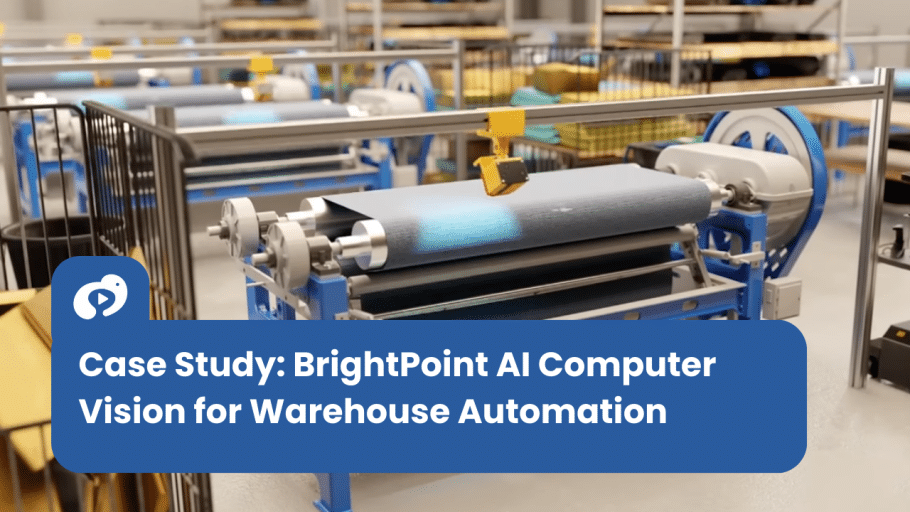
BrightPoint AI
AI visual inspection, shown as an immersive 3D product experience.
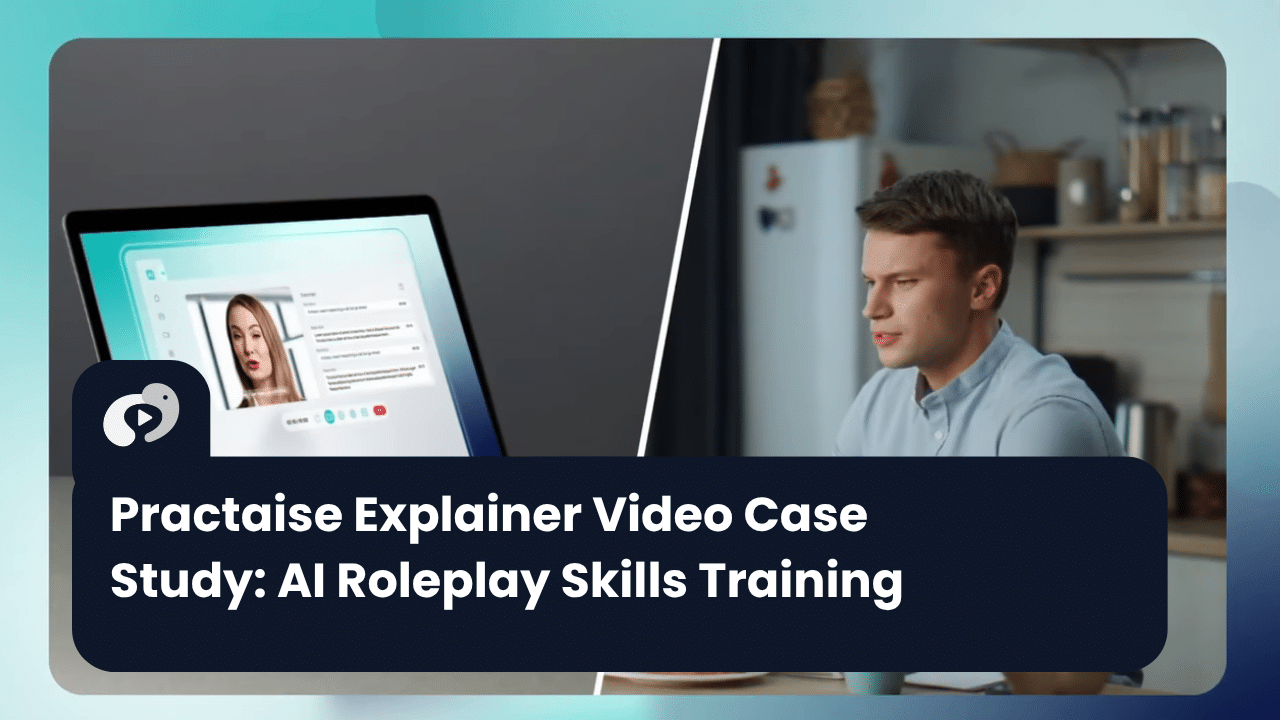
Practaise
AI-powered learning and coaching, turned into a clear visual journey.
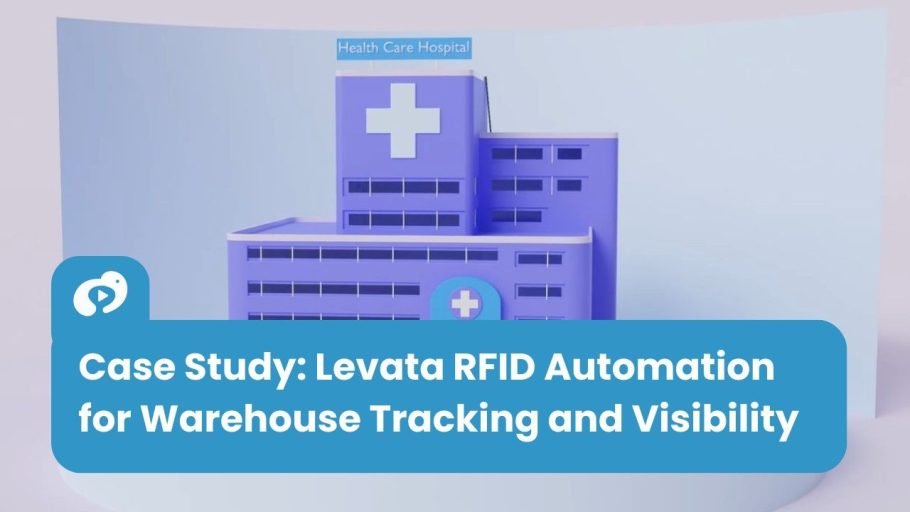
Levata
RFID tracking made visible from end to end.
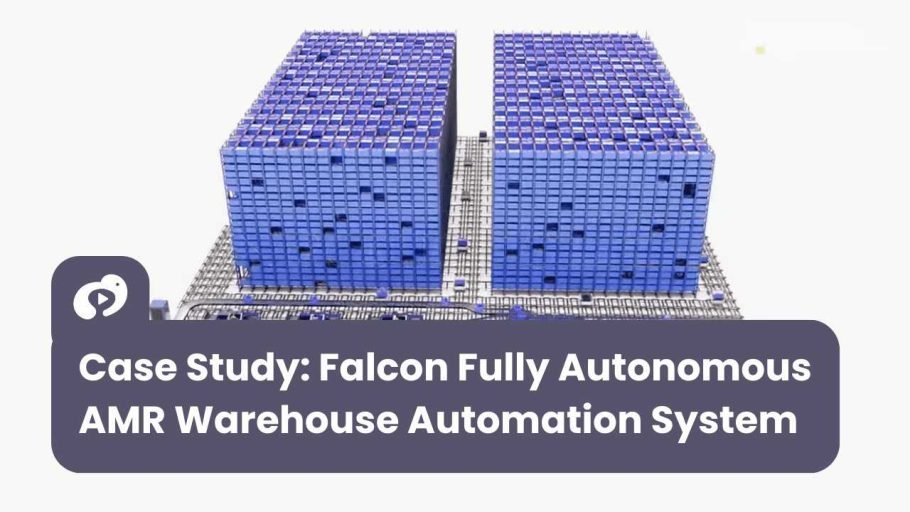
Falcon Autotech
An autonomous AMR system, walked through in 3D.
Accelera
The engineering inside advanced EV battery technology, visualised in 3D.
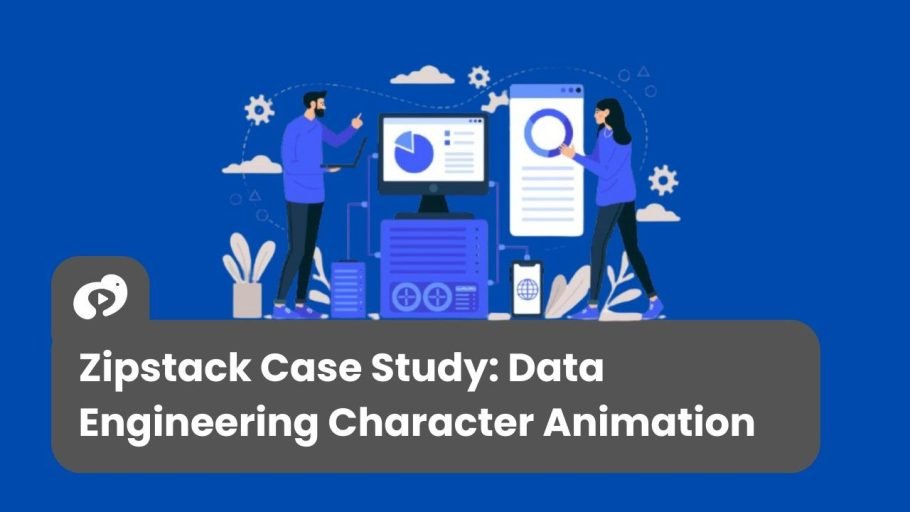
Zipstack
A unified cloud data platform, explained in motion graphics.

Persistent
A Gen AI RFP platform and its 3C framework, launched in motion graphics.
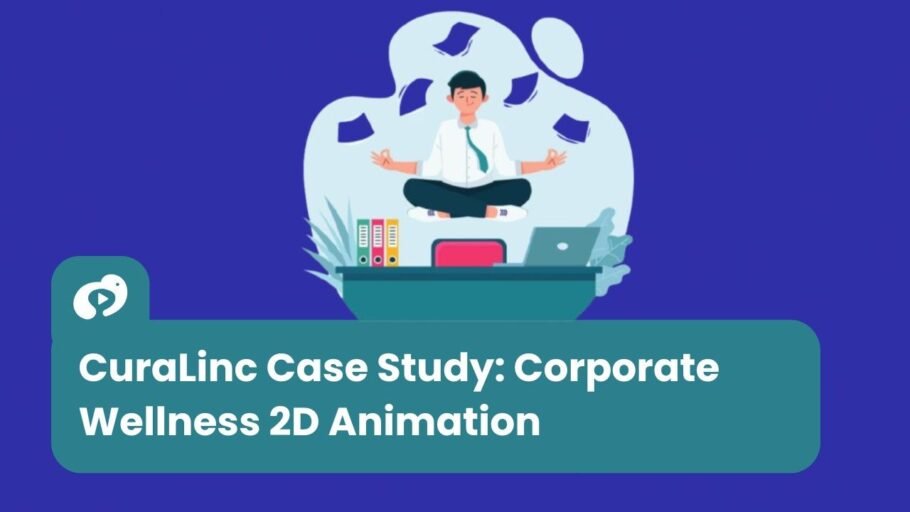
CuraLinc
Workplace mental wellness, told through a thoughtful animation.
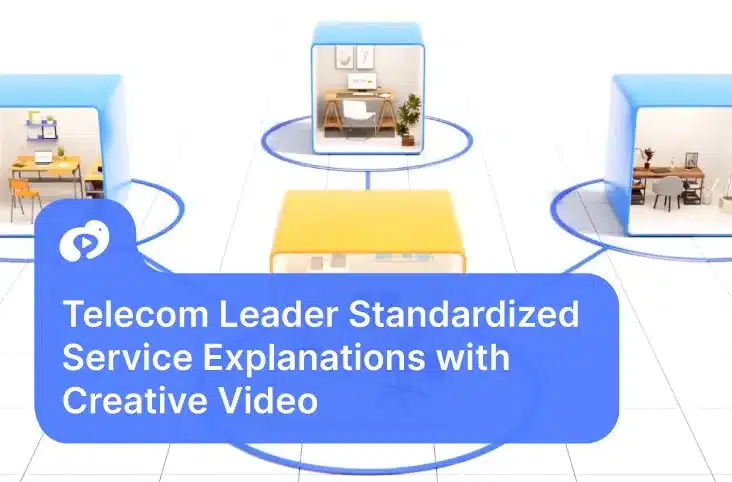
Tata Tele Business Services
An enterprise technology portfolio, presented as a cinematic 3D showreel.
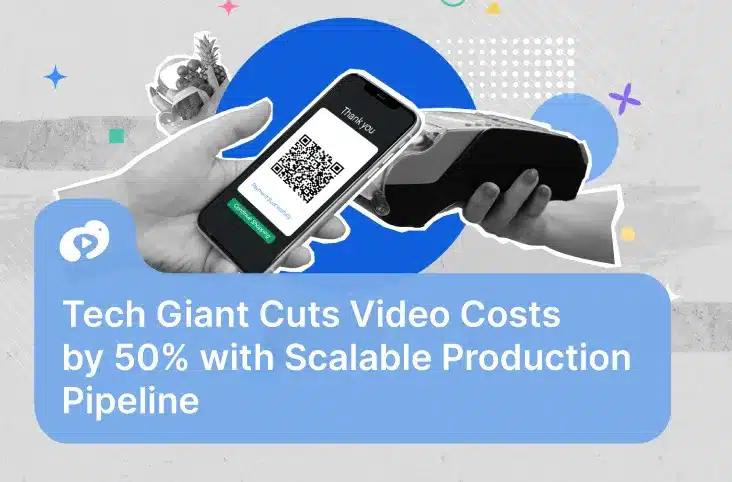
HCLTech
AI adoption tied to business value, in one visual narrative.
How to describe what you sell
Write it the way you would brief a new sales rep. Cover these four things. If you have a script brief, copy the key lines from it.
What it is, and who buys it
Name the product and the buyer: their job title or industry.
The business problem
What costs your buyer time, money or risk today.
One proven result
A number from a real customer: hours saved, costs cut, errors removed.
How it works
In one sentence. This is what the video will show.
We make software that helps companies manage their invoices.
Missing: the buyer, the problem, a result and how it works. The script can only be generic.
Month-end close drags because invoices never match purchase orders. Our platform reconciles them automatically for finance teams at mid-market manufacturers. They cut close from nine days to three, and it connects to SAP without a data migration.
What and who buys itBusiness problemProven resultHow it works
Example description, not a client claim.
How long should your video script be?
About 140 spoken words per minute.
That is the pace a professional voice artist reads at comfortably. Go over and the voice has to rush, and a busy buyer stops listening. Every script this tool writes is built to that pace.
| Video type | Length | Words |
|---|---|---|
| LinkedIn or social ad | 15 to 30 sec | 30 to 80 |
| Website explainer | 60 to 90 sec | 130 to 240 |
| Product demo | 90 to 120 sec | 200 to 320 |
| Sales enablement video | 45 to 90 sec | 100 to 210 |
| Customer case study | 120 to 180 sec | 270 to 480 |
Guidance reviewed October 2026. Want examples? See explainer video script templates.
Six video styles, matched to what you sell
The tool reads your description, picks the style that shows your product best, and explains why.
2D animated explainer
For explaining a service, a process or how your platform helps the buyer.
Motion graphics
For SaaS, data and platforms: clean screens, dashboards and diagrams.
3D animation
For machines, hardware and systems that are too big, too small or too hidden to film.
Whiteboard animation
For abstract ideas, compliance or training, drawn step by step.
Stock footage video
For a fast turnaround when you need real-world settings and have no footage of your own.
Mixed style
Real footage builds trust, and animation shows what a camera cannot.
From script to finished video.
We have made 2,500+ videos since 2009 for SaaS, industrial and enterprise brands: homepage explainers, sales demos, launch films and trade show loops. Bring your script, or let us write it with you, and we will handle everything through to delivery.
4.8 out of 5 on Clutch. One producer manages your video from script to delivery.
What it will and will not do
It will
- Pick the video style and length for your product and buyer
- Write every scene: voiceover, visual direction, on-screen text
- Use the numbers you gave it, and only those
- List the claims to check before the video goes out
It will not
- Invent features, customers or results you did not mention
- Make guarantees or claims you cannot back up
- Replace a scriptwriter. It writes a first draft, not a final script
- Know your brand voice, your competitors or your legal wording
Who it is for. B2B marketing, product and sales teams who need a strong first draft, fast. It works best for complex products that are hard to explain simply: SaaS, fintech, robotics, industrial and healthcare technology. Not the right fit if you already have a final script, or if your video needs legal or regulated wording. For that, our scriptwriters can help.